
iOS 26 Is Out — Here’s Everything You Need to Know About the iPhone Software
iOS 26 has officially arrived and it marks one of Apple’s most significant mobile-software updates in recent years. The goal isn’t just incremental: Apple has revamped everything from the appearance to how deeply AI is embedded in daily tasks. Here’s a clean rundown of the big changes, who gets them, and why some users might wait.
What’s New
1. “Liquid Glass” Design
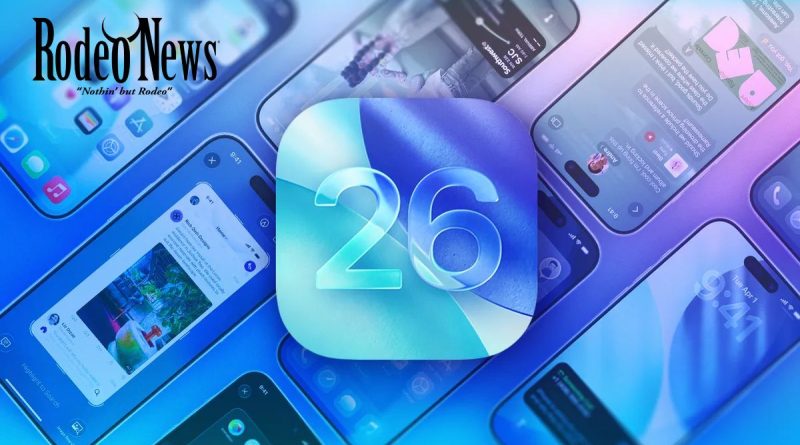
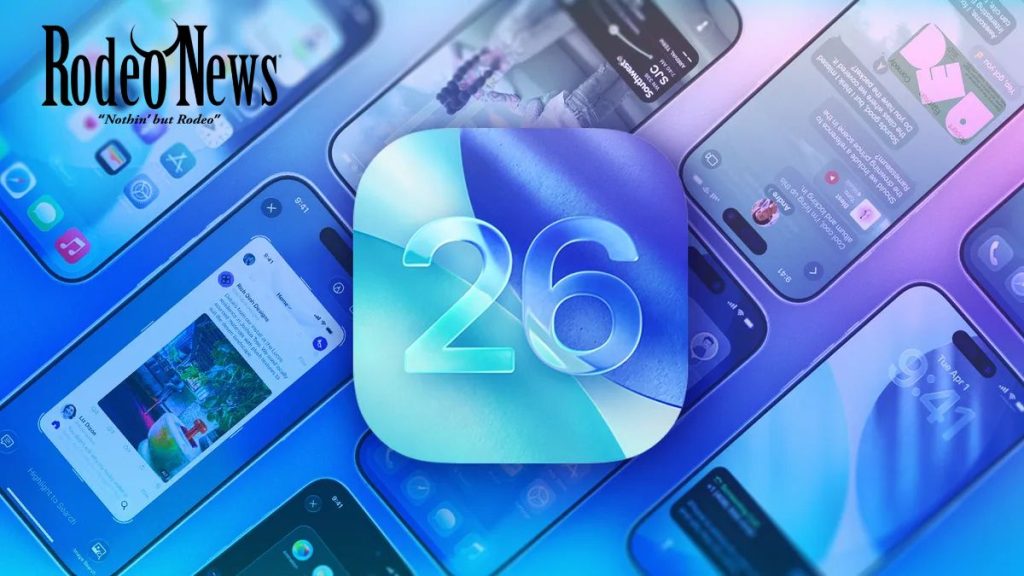
Apple introduces a new visual language across iPhones (and its other platforms) called Liquid Glass. It’s all about translucency, layered effects, subtle animations, and blurring the line between hardware and software.
Expect redesigned icons, more fluid transitions, lock-screen enhancements (like adaptive time size), and widgets that lean into this new look.
2. Smarter Communications & Calls
- The Phone app gets a unified layout (Favorites, Recents, Voicemail) so everything’s in one place.
- Call Screening: iOS 26 can now screen out spam or unknown callers, giving you more control.
- Hold Assist: For when you’re stuck on hold—your phone will notify you when a live agent is available.
- Live Translation: Real-time translating in Phone, FaceTime, and Messages (on supported devices) so you can talk across language barriers.
3. Deepened AI & Apple Intelligence
Under the hood, Apple is pushing harder on on‐device intelligence:
- Visual Intelligence: Identify what you see on-screen, ask questions, or take action (e.g., identify a product or event).
- Genmoji & Image Playground: Enhanced expressive tools to create custom emojis or images based on prompts.
- Shortcuts & automation: More intelligent actions triggered based on your usage patterns.
4. Updates Across Apps & Features
- Messages: Messages from unknown senders go into a separate folder; you can create polls; chat backgrounds get more customisation.
- Apple Music: New features like Lyrics Translation (see lyrics in other languages), Lyrics Pronunciation, and AutoMix transitions.
- Maps: Visited Places feature tracks spots you’ve been (with encryption), preferred routes etc.
- Wallet: Better boarding-pass visuals, order tracking, live activity integrations.
- New Games App: A central hub for games, including Apple Arcade titles, and better social/tracking features around gaming.
5. Compatibility & Availability
iOS 26 is a free update for iPhones from about 2019 onward (i.e., iPhone 11 and later) — older devices like XR/XS likely miss out.
Expect the rollout in September 2025.
For businesses and schools, iOS 26 brings changes in device-management capabilities (migrations, enrollment deadlines) and improved compatibility.
Should You Update Now?
For most users: yes — the update brings meaningful enhancements and future-proofs your device for the next few years.
But caution is warranted:
- Some users report minor bugs or UI quirks due to the big visual overhaul.
- Major updates can trigger background tasks (indexing, animations) that might temporarily impact battery life or performance.
- If you rely on older hardware or specific apps/workflows, you may choose to wait for version 26.1 or a bug-fix update.
Getting It: Tips for a Smooth Update
- Back up your iPhone (via iCloud or local) before installing.
- Ensure sufficient battery or plug in your device.
- Use a stable Wi-Fi connection—major update size.
- After update, give your device some time (30-60 minutes) as background tasks complete.
- Explore new features: tap around the lock screen, Messages backgrounds, call-screening settings.
Final Thought
iOS 26 isn’t just another incremental release. With the Liquid Glass redesign, deeper AI integration, and smarter communication tools, it’s a pivot point for Apple’s mobile software. If your hardware supports it, this is a strong upgrade — just go in knowing some changes may require a little relearning and patience.
<