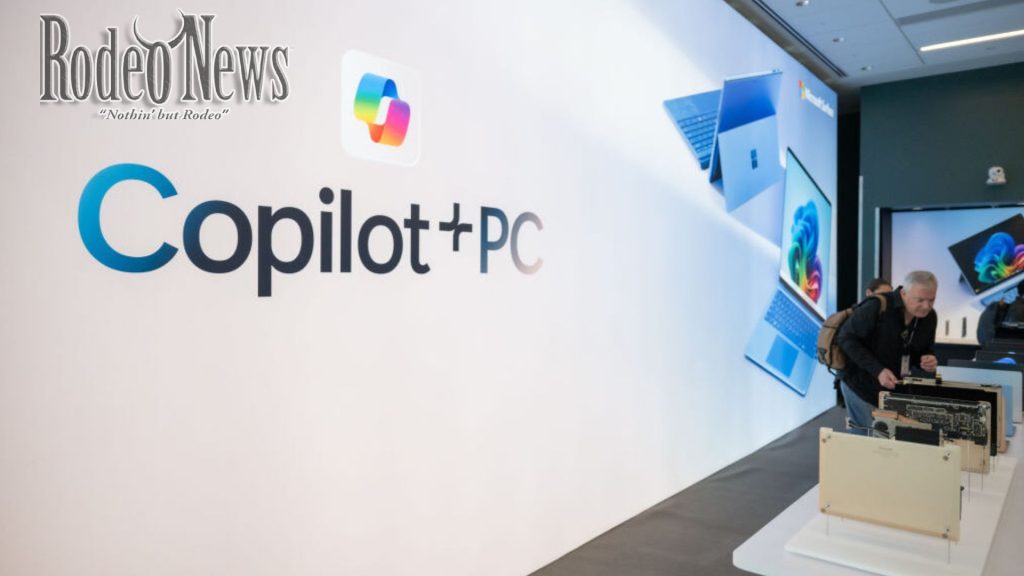
Microsoft’s latest security disclosure about Windows 11’s agentic AI is raising eyebrows—and skepticism. As the company prepares to roll out new “Copilot Actions” features, it’s warning users that these AI agents can pose “novel security risks”, including the potential to install malware or exfiltrate personal data. Ars Technica+1
What Microsoft Is Actually Warning About
- The new AI agents operate under their own user accounts—not the main user’s—limiting but not eliminating their access.
- By default, they may request permission to read and write to commonly used folders: Documents, Desktop, Downloads, Pictures, Music, and Videos. Kotaku
- Microsoft specifically points to the risk of cross-prompt injection (XPIA): malicious content hidden in UI elements or documents could override agent instructions, causing the AI to perform unintended—and potentially harmful—tasks. Kotaku+1
- To mitigate these risks, Microsoft requires user approval for sensitive actions and promises logs of agent activities for visibility. Ars Technica
Why Critics Are Not Impressed
Some security experts and AI researchers argue that Microsoft’s safety model is overly reliant on users making the right choice when prompted—and not everyone will. As Earlence Fernandes, an AI security professor, put it:
“Sometimes those users don’t read or understand the dialog windows… that diminishes the value of the protection.”
In other words, if users blindly click through permission dialogs, the protections Microsoft outlines might not actually prevent real threats.
A Broader Context of Risk
This isn’t the first time Microsoft has faced backlash over AI features in Windows 11. Its Recall tool, which captures screenshots every few seconds, drew serious criticism for privacy and security concerns when first introduced
The return of these agentic AI capabilities—and Microsoft’s admission that they could be hijacked—is renewing fears that AI in Windows could become a vector for sophisticated attacks.
What This Means for Users
- These AI agent features are opt-in, not enabled by default.\
- Even if enabled, users must actively approve certain actions, and their activity is logged
- But if you’re concerned about security or don’t fully understand the risks, experts suggest it’s wise to defer or decline activation until the feature matures.
Bottom Line
Microsoft’s move to embed AI deeply into the Windows experience reflects its long-term vision—but this warning underscores just how risky that could be. Unless the safeguards are rock-solid—and users are diligent—these “helpful” agents could become a liability rather than an asset.
If you like, I can write an in-depth analysis (1,200+ words) of the security trade-offs Microsoft is making with its AI-powered Windows strategy. Do you want me to do that