
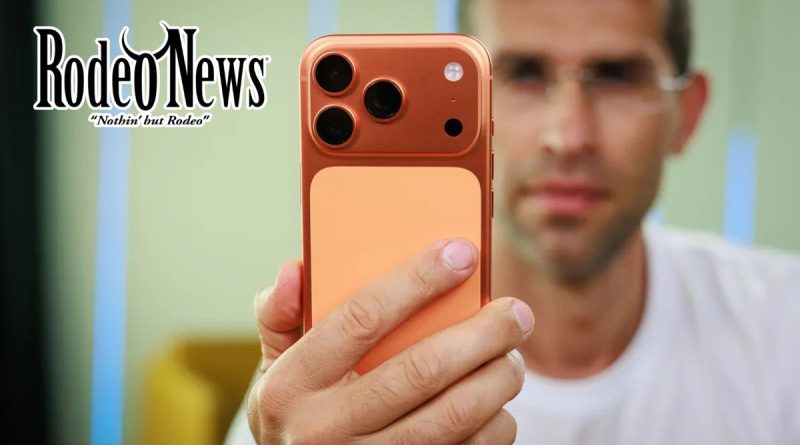
How to Prevent Your iPhone 17 Pro (Cosmic Orange) from Turning Pink
When Apple released the iPhone 17 Pro in the bold Cosmic Orange finish, the vivid colour made a clear statement. But now, some owners are encountering an unexpected problem: their orange phones are gradually turning pink or rose-gold. While the issue currently appears limited in scale, experts say it is linked to the phone’s material finish and how it is cleaned.
What’s happening?
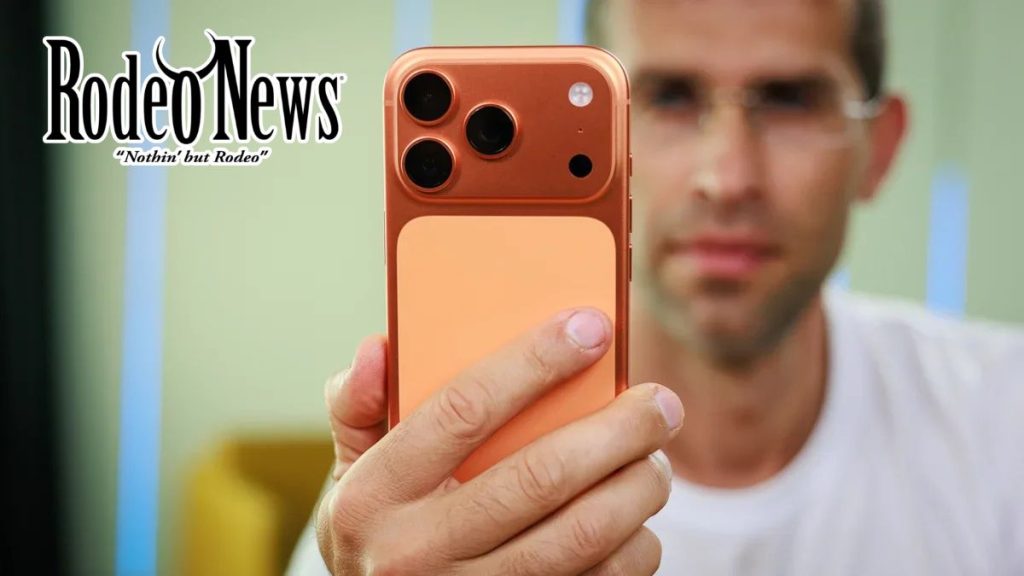
Several users of the iPhone 17 Pro and iPhone 17 Pro Max in the Cosmic Orange colour have reported that the aluminium frame and camera housing have shifted hue from bright orange to a pale pink or rose-gold tone.
One Reddit user wrote:
“my orange iPhone 17 Pro turned pink at the bottom in a clear case exposed to UV for a few hours Sunday” Reddit
Importantly, this change has been observed primarily on the anodised aluminium frame rather than the glass back panel. 9to5Mac+1
Industry observers are informally referring to this as “Colorgate.” Tom’s Guide
Why might it be happening?
The root of the matter lies in the phone’s finish: the Cosmic Orange model uses an anodised aluminium casing, which differs markedly from the non-dyed tensor of a titanium or standard aluminium finish. In anodising, aluminium is first oxidised, dyed and then sealed—but the porous nature of the coating means vulnerabilities remain.
According to material-science experts, exposure to strong oxidisers—such as hydrogen peroxide—can degrade the dye or oxide layer on anodised surfaces, leading to fading or colour shifts.
Apple’s own cleaning support document states:
“Don’t use products containing bleach or hydrogen peroxide. Avoid getting moisture in any openings, and don’t submerge your iPhone in any cleaning agents.” Macworld+1
This strongly suggests the company recognises a risk of finish degradation when inappropriate cleaning agents are used.
What you should avoid
To preserve the original finish on your iPhone 17 Pro in Cosmic Orange, consider the following precautions:
- Avoid cleaners containing hydrogen peroxide or bleach. These are known to attack anodised coatings.
- Use only Apple-recommended wipes: 70 % isopropyl alcohol, 75 % ethyl alcohol, or disinfecting wipes approved by Apple. Then wipe with a soft, slightly damp lint-free cloth.
- Avoid excessive direct UV-light and heat exposure. While cleaning agents are the main suspect, UV or heat may accelerate wear of the finish over time.
- Use a protective case. Especially clear or edge-covering cases help shield the outer aluminium from oils, sweat and friction, which may exacerbate wear.
- If you spot discolouration, document it. Some owners report replacements under warranty after showing clear evidence of the pink shift.
What to do if your colour has already changed
If you notice the Cosmic Orange finish on your iPhone 17 Pro has shifted to pink:
- Inspect the device in natural light to confirm the change is real (not just lighting or reflection).
- Take clear photos showing the shift, particularly around the frame or camera housing.
- Contact Apple Support or visit an Apple Store with your proof and purchase details—some users have received replacements.
- Going forward, adopt the cleaning habits outlined above and consider a protective case to reduce further finish wear.
Final word
While this issue appears to affect only a subset of Cosmic Orange iPhone 17 Pro units and remains relatively rare, it underscores a broader truth: material choices matter in smartphone design, and how we care for our devices plays a key role in maintaining their appearance. By following Apple’s official guidance and avoiding strong chemical cleaners, owners can help preserve that vibrant finish—and avoid an unexpected shift to pink.