A Subtle But Welcome Design Adjustment
In its developer beta of iOS 26.1, Apple is giving users more control over one of its signature interface elements — the “Liquid Glass” design effect. Originally introduced at this year’s WWDC, Liquid Glass added a translucent, frosted-glass aesthetic across parts of iOS.
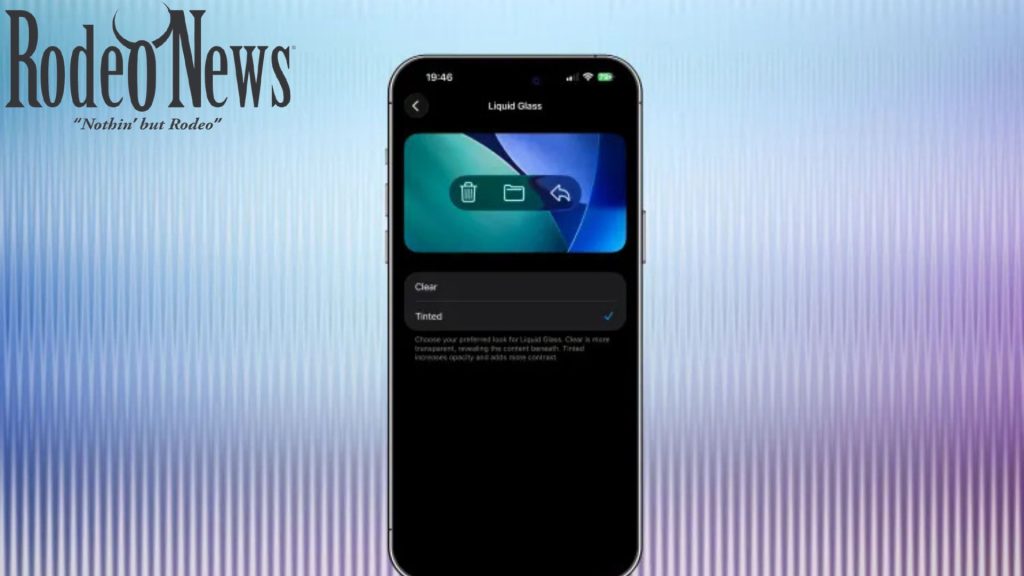
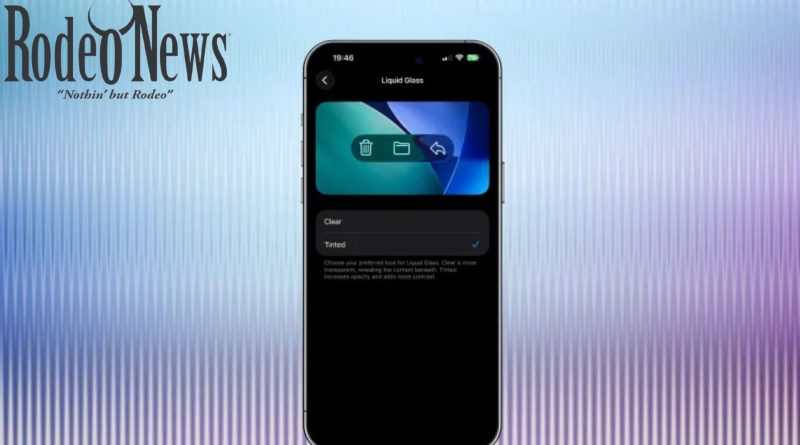
Now, in the beta update, Apple has added a toggle in Settings → Display & Brightness → Liquid Glass that lets you switch between the default clear (very translucent) and a new “Tinted” mode, which gives UI elements a soft coloured background rather than full transparency
Why This Change Matters
While subtle, this adjustment speaks to two important user concerns:
- Legibility & clarity: Some users and early testers reported that the original ultra-glassy effect made text harder to read against varied backgrounds. The tinted mode helps by reducing the extreme transparency, offering more visual contrast.
- Customization & user preference: Giving users the choice between “Clear” and “Tinted” respects different aesthetic tastes and usage contexts (e.g., in bright light, or when using a busy wallpaper).
How to Try It Now
If you’re on the iOS 26.1 (or the companion iPadOS 26.1 / macOS 26.1) developer beta, here’s how to test the new toggle:
- Open Settings → Display & Brightness → Liquid Glass.
- Choose between “Clear” (the original very translucent effect) or “Tinted” (adds a soft colour tint behind UI elements).
- Switch back and forth if you want to compare how system interfaces look under each mode.
What It Might Mean for Everyday Use
For daily users, this design tweak won’t break the experience — but it can refine it:
- If you often use your iPhone or iPad in bright environments or over dynamic wallpapers, the tinted mode may offer better readability.
- For those who prefer the ultra-minimal transparent aesthetic, the clear mode remains available.
- As Apple finalises the design ahead of wider rollout, this choice suggests that they’re listening to user feedback around UI clarity and flexibility.
Final Thoughts
It’s a small change — a toggle between clear vs tinted glass — but a meaningful one. By offering more granular control of the Liquid Glass effect, Apple ensures that either extreme (ultra-transparent vs softly-tinted) can coexist according to user preference. If you’re using the iOS 26.1 beta (or plan to when it rolls out more broadly), this is a tweak worth playing with.