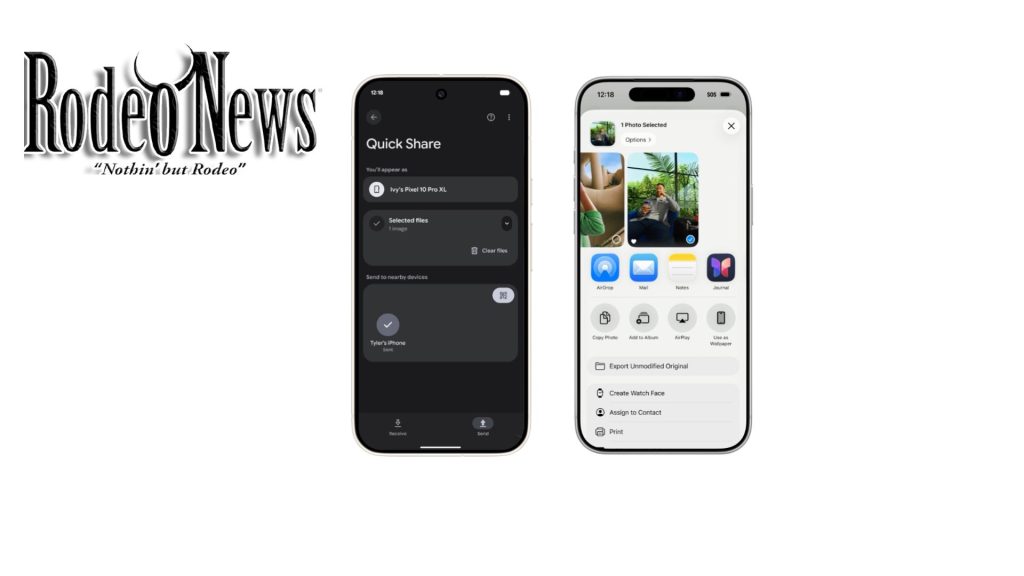
Google is bridging a longstanding gap between Android and Apple devices: with the latest update, Quick Share on the Pixel 10 series can now communicate directly with AirDrop on iPhones, iPads, and Macs. TechCrunch+2blog.google+2
How it works
- The Apple device (iPhone, iPad, or Mac) must set its AirDrop visibility to “Everyone for 10 minutes.”
- Meanwhile, the Pixel 10 user opens Quick Share, and the Apple device should appear in the list of nearby devices.
- For the reverse direction, the Pixel must enable Quick Share visibility (“Everyone for 10 minutes”) or switch to Receive mode.
Security and privacy
According to Google, the connection is direct and peer-to-peer, meaning data never routes through a server and shared content is not logged
Google also says it built the feature using memory-safe Rust, and it was independently tested by security firm NetSPI
Rollout and compatibility
- The feature is rolling out now to the Pixel 10 family, including Pixel 10, 10 Pro, 10 Pro XL, and the 10 Fold
- Google has expressed plans to expand support to more devices, though no specific timeline has been announced
- On the Apple side, this works with any AirDrop-capable device, as long as AirDrop is in the required visibility mode. PhoneArena+1
Why this matters
For years, sharing files between Android and iPhone users has been cumbersome—usually relying on third-party apps, email, or cloud services. This update simplifies that process. AppleInsider
The new cross-platform support makes it easier to transfer photos, videos, and documents in mixed-device households or workplaces. PhoneArena+1
If you like, I can add a how-to guide with screenshots (for WordPress) showing exactly how to turn on the right settings and share between Pixel and iPhone — do you want me to do that